
Word search games1.3 - AppGallery
You'll be able to see results in few seconds.
Publisher Description
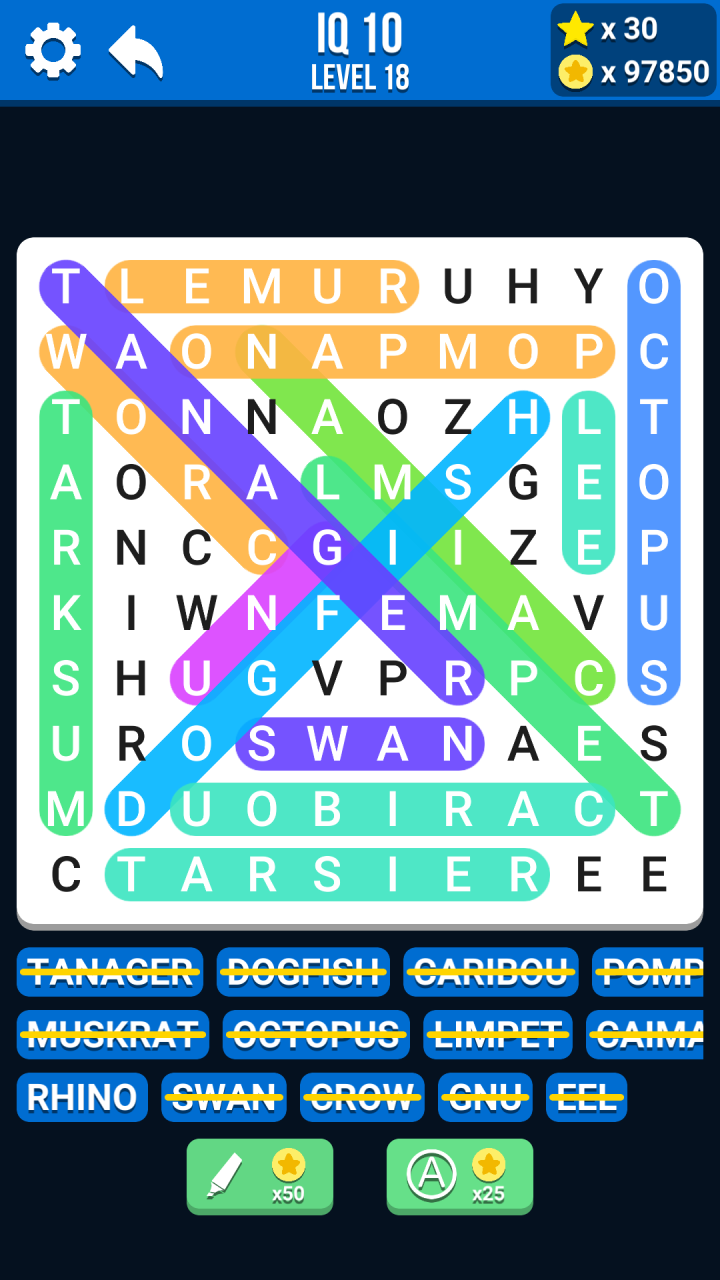
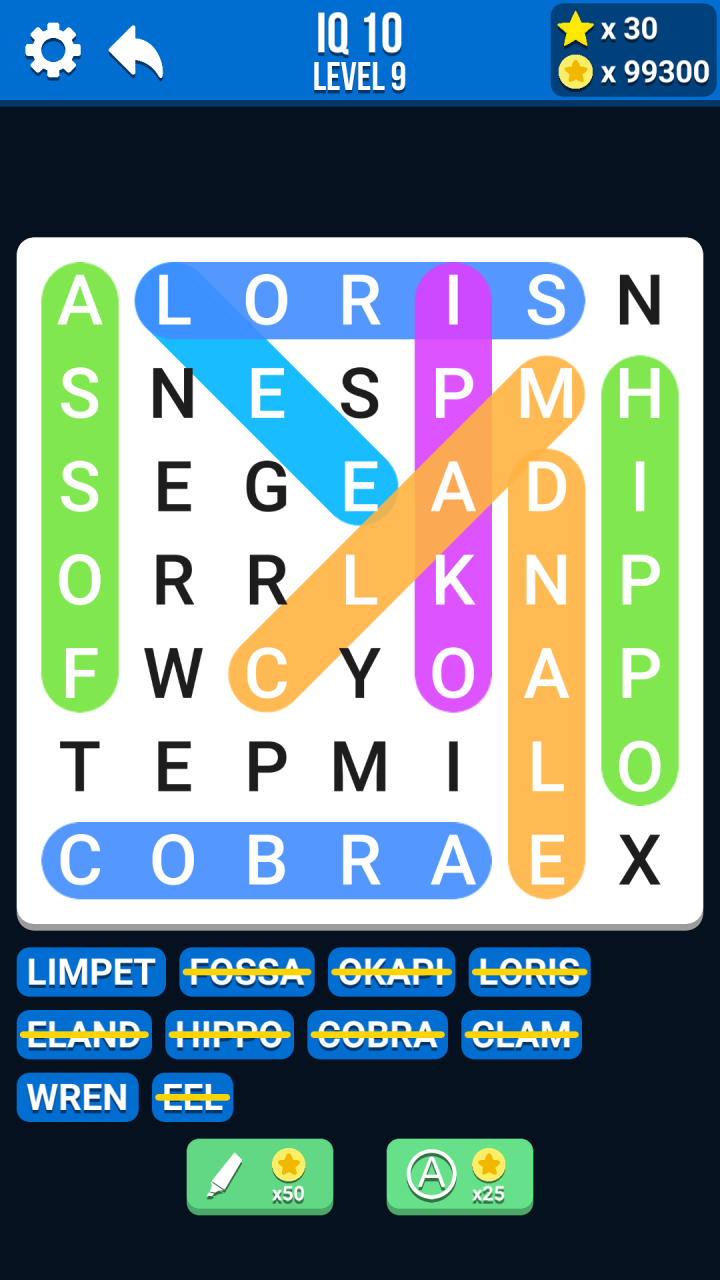
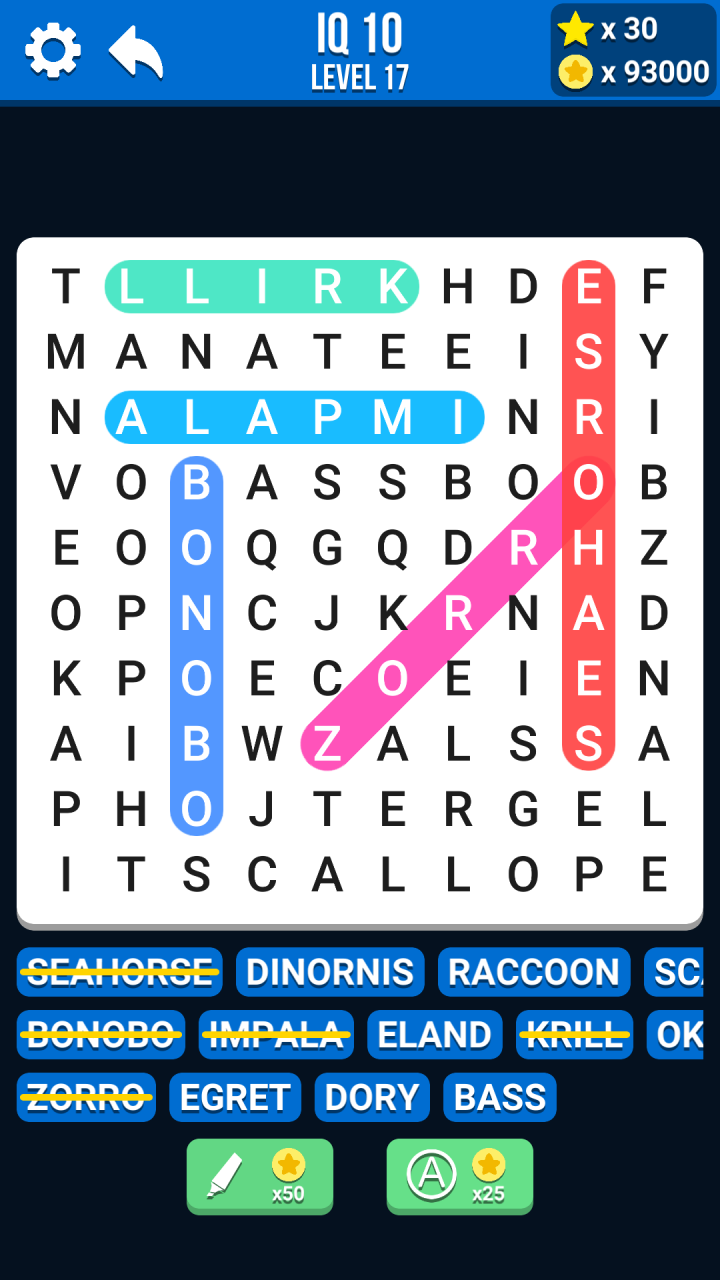
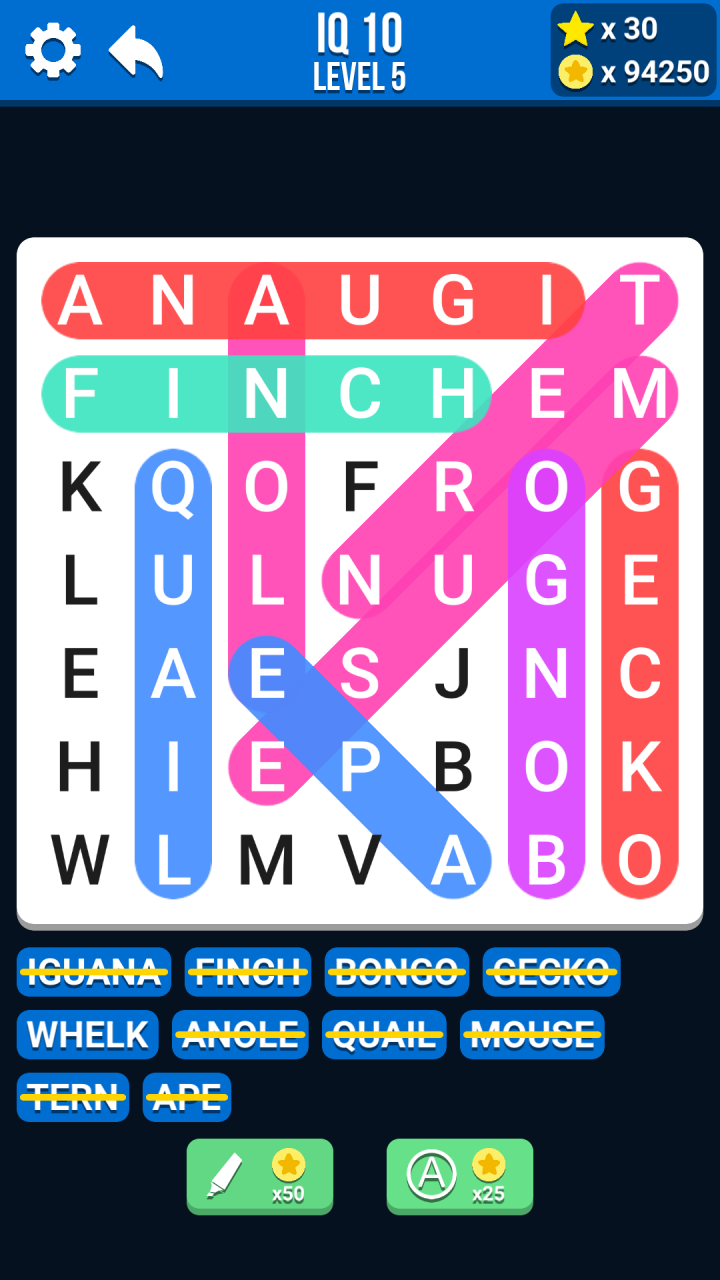
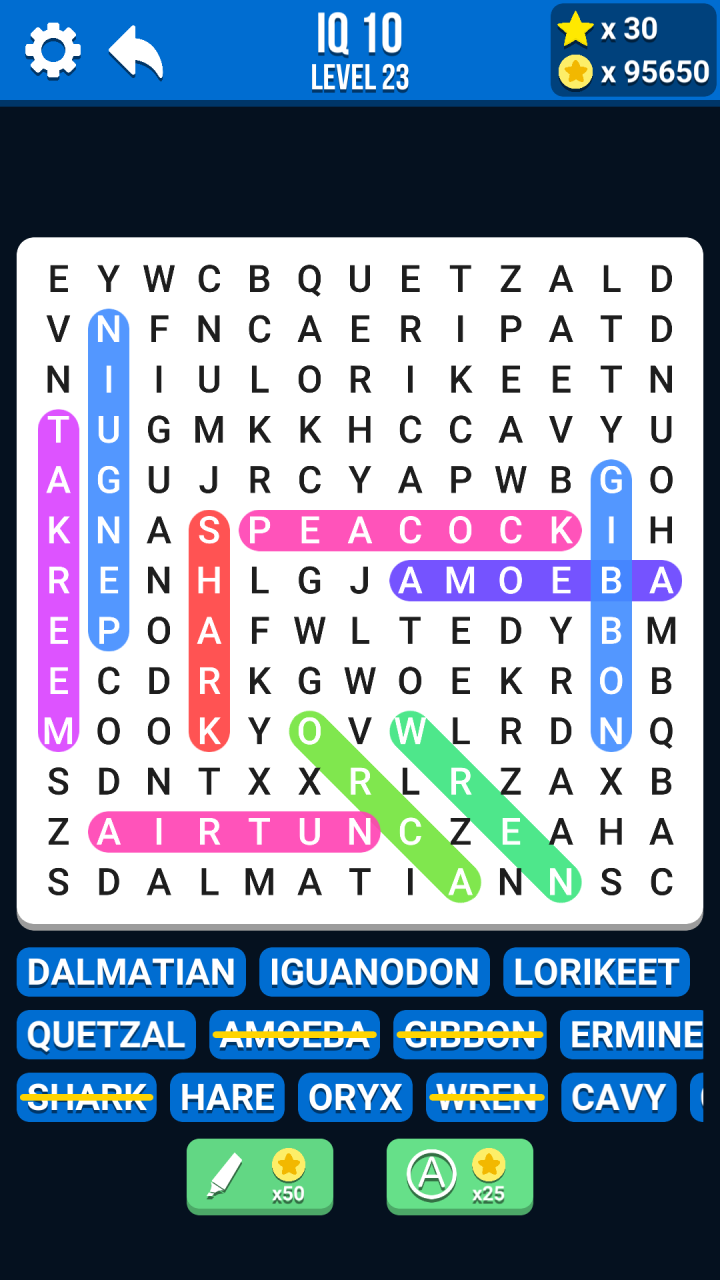
Brand new word search puzzle games for tremendous brain test challenge and fun!
Word puzzles in 25 languages! Word search IQ support different languages and with word puzzles in the following 25 languages:
English, Arabic, Bulgarian, Czech, Danish, Dutch, Estonian, Finnish, French, German, Greek, Hungarian, Italian, Norwegian, Polish, Portuguese, Romanian, Russian, Serbian, Slovak, Slovenian, Spain, Swedish, Turkish and Ukrainian.
This crossword and word search game is the most addicting word puzzle games. Escape and stimulate your mind by solving the word puzzles! The Best Word Search offline games! Swipe and find all the crosswords with your best friends!
Stay sharp, train your brain, logic and learn new words daily. Best relaxing brain games and mind games in 2022!
Relax, exercise your brain and expand your vocabulary with Word Search IQ. The newest word games and incredibly addicting word search puzzles are brain blasting fun!
Training your brain has never been so easy and relaxing. Once you start playing, you just won't be able to put it down!
HOW TO PLAY:
1. Slide and drag your finger to highlight letters to get a correct word.
2. Tap the "Hint" button to get clues.
3. Tap the "Target" button to pick any letter you want to reveal.
FEATURES:
1. Totally Free to Play brain games!
2. Lot of challenging puzzles levels.
3. Free coins at the first word search puzzle.
4. Collect coins after you solved the word puzzle.
5. Test your english vocabulary.
6. Relaxing background music, stay relax and sharp.
7. Simple & Easy to play, but hard to beat gameplay.
8. No WiFi game, offline games you can play at any time or when you are out of town and on trip.
9. For all ages, kids, boys, girls, adults or elderly.
10. Supported on both phone and tablet.
Exercise your brain with thousands of challenging word puzzles!
Test your brain, unlock new levels. Can you solve all the word search puzzles?
Test your vocabulary, lateral thinking and puzzle solving skills. This brain test tricky puzzles are the best brain teasers for adults, relaxing games for adults. This is offline games that can play without internet, you can play it even when you eating cookies in plane.
If you like to relax and play crossword puzzle free, trivia and quiz games, scrabble, sudoku, board games or solitaire — you’ll love Word Search IQ! Test your IQ now!
Word Search IQ is a modern version of classic word search puzzles, word find and word connect puzzle games. Start training your brain and become a word search expert.
Expand your vocabulary and spelling skills as you search for all the hidden words.
Word Search, also know as WordSearch, Word Cross, Word finder, Word Seek, Word Find, Word Sleuth or Mystery Word, is a word game that letters of words are placed in a grid. The objective of the puzzle is to find and mark all the hidden words inside the board.
Download the Word Search IQ for FREE and Play Word Search Free word games NOW!
Train your brain and Challenge yourself with countless word games puzzles when you are idle.
Let's make your casual time more fun!
About Word search games
The company that develops Word search games is Cool Gamapp Limited. The latest version released by its developer is 1.3.
To install Word search games on your Huawei device, just click the green Continue To App button above to start the installation process. The app is listed on our website since 2022-10-26 and was downloaded 0 times. We have already checked if the download link is safe, however for your own protection we recommend that you scan the downloaded app with your antivirus. Your antivirus may detect the Word search games as malware as malware if the download link to C105311977 is broken.
How to install Word search games on your Huawei device:
- Click on the Continue To App button on our website. This will redirect you to Huawei Store.
- Once the Word search games is shown in the Huawei Store listing of your Huawei device, you can start its download and installation. Tap on the Install button located below the search bar and to the right of the app icon.
- A pop-up window with the permissions required by Word search games will be shown. Click on Accept to continue the process.
- Word search games will be downloaded onto your device, displaying a progress. Once the download completes, the installation will start and you'll get a notification after the installation is finished.
Program Details
System requirements
Download information
Pricing
Version History
version 1.3
posted on 2022-10-26
Disclaimer
Official AppGallery Link
We do not host Word search games on our servers. We did not scan it for viruses, adware, spyware or other type of malware. This app is hosted by Huawei and passed their terms and conditions to be listed there. We recommend caution when installing it.
The AppGallery link for Word search games is provided to you by apps112.com without any warranties, representations or guarantees of any kind, so access it at your own risk.
If you have questions regarding this particular app contact the publisher directly. For questions about the functionalities of apps112.com contact us.
